In this video, we will take you through a step-by-step approach to quickly send reports to your clients.
From Measurz mobile app (download or share via many apps)
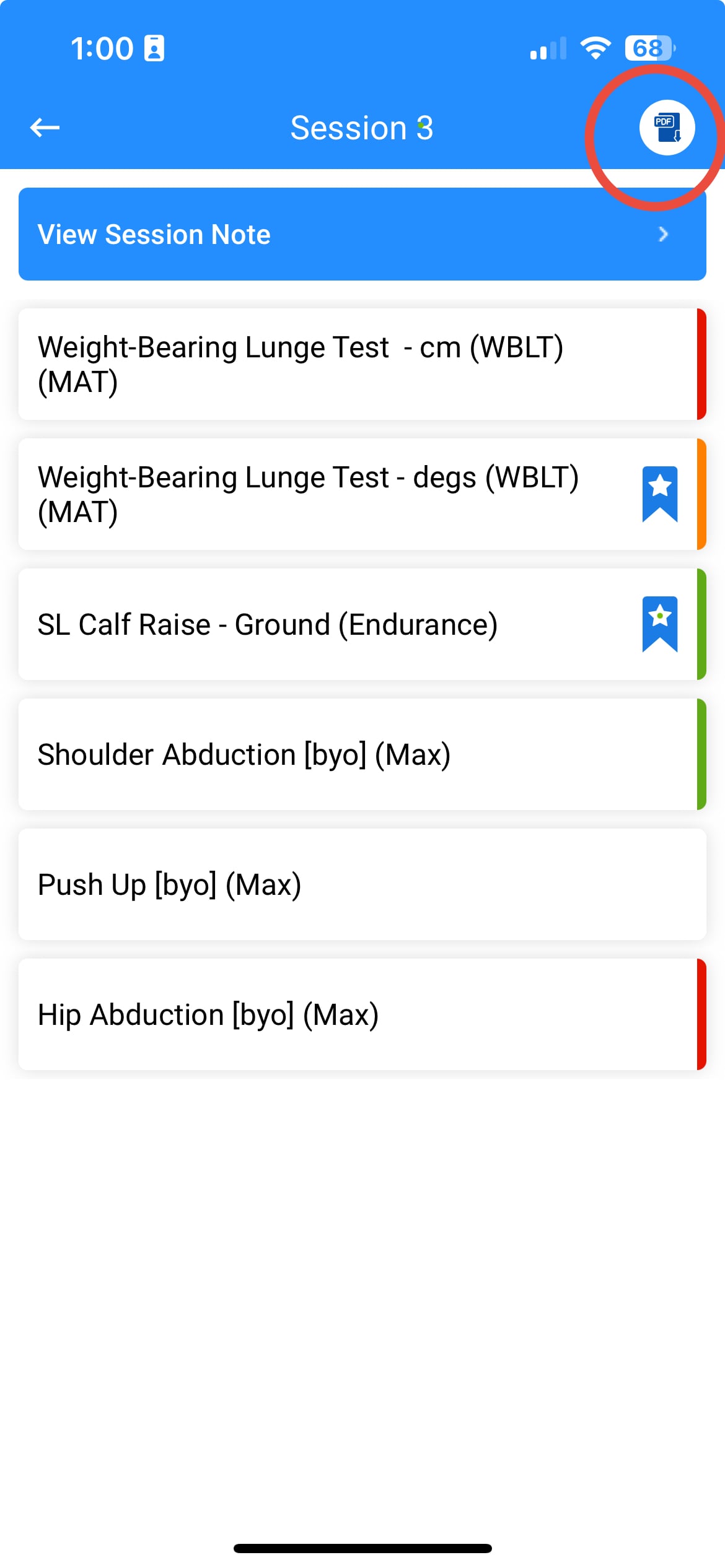
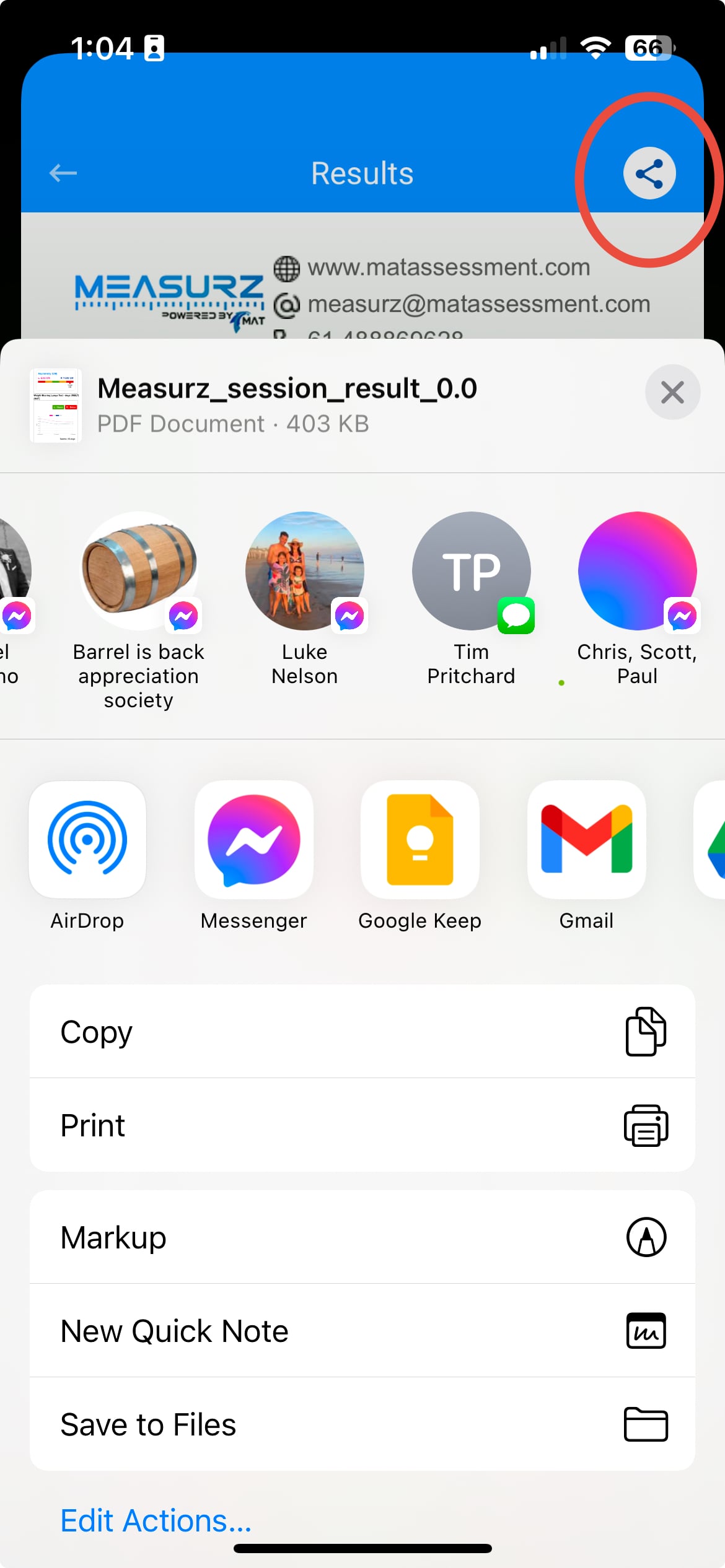
From within any session you can click the PDF button in the top right hand corner, then simply hit the share icon on the unified pdf results screen on the next page to share via bluetooth, email, airdrop or many other apps.
Step 1 + Step 2
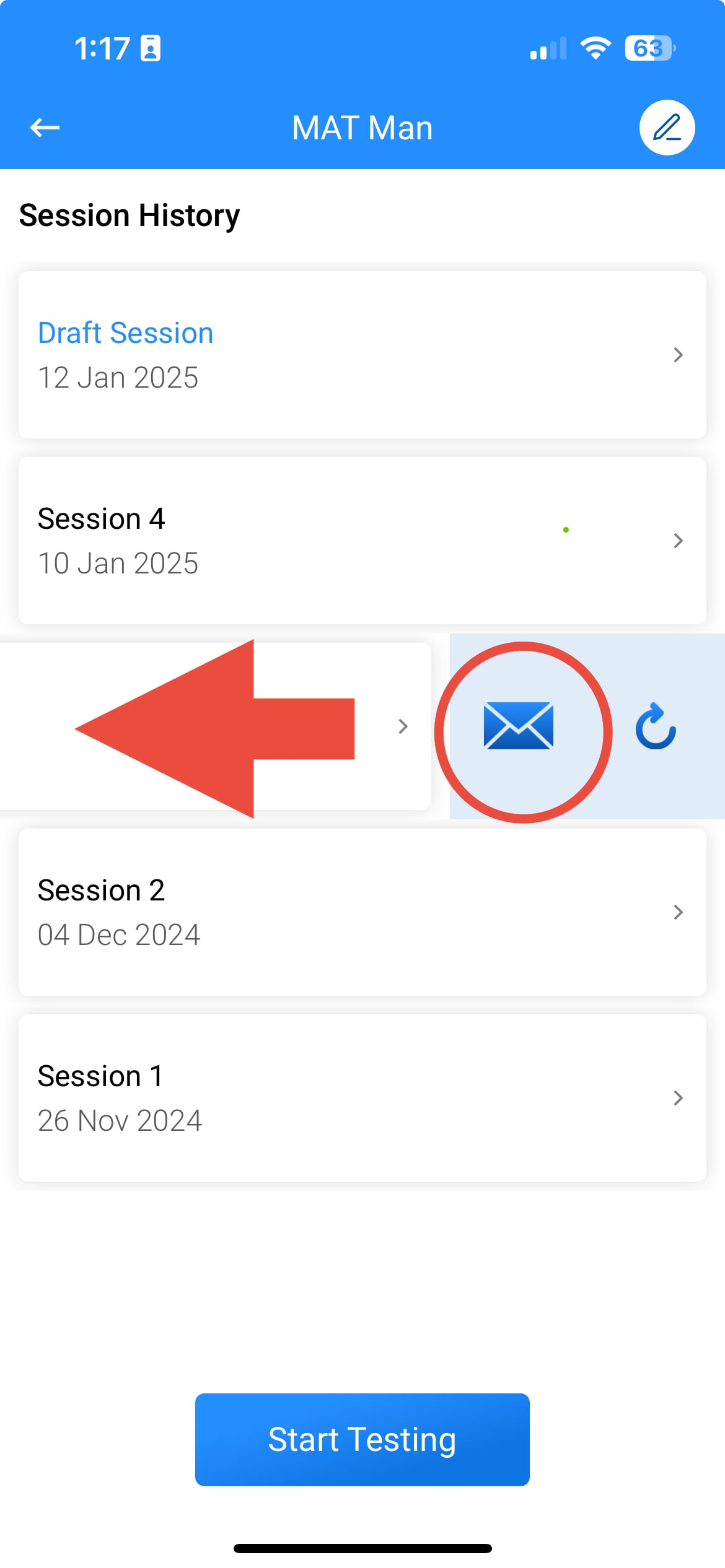
From Measurz mobile app (email)
Simply swipe left on any session in the session screen and hit the email icon to email the PDF and Measurz Resultz link to your clients.
From Measurz Web Portal (email)
Press the email button and customise the email to send to your clients or any other individual that might be interested in your client's progress.
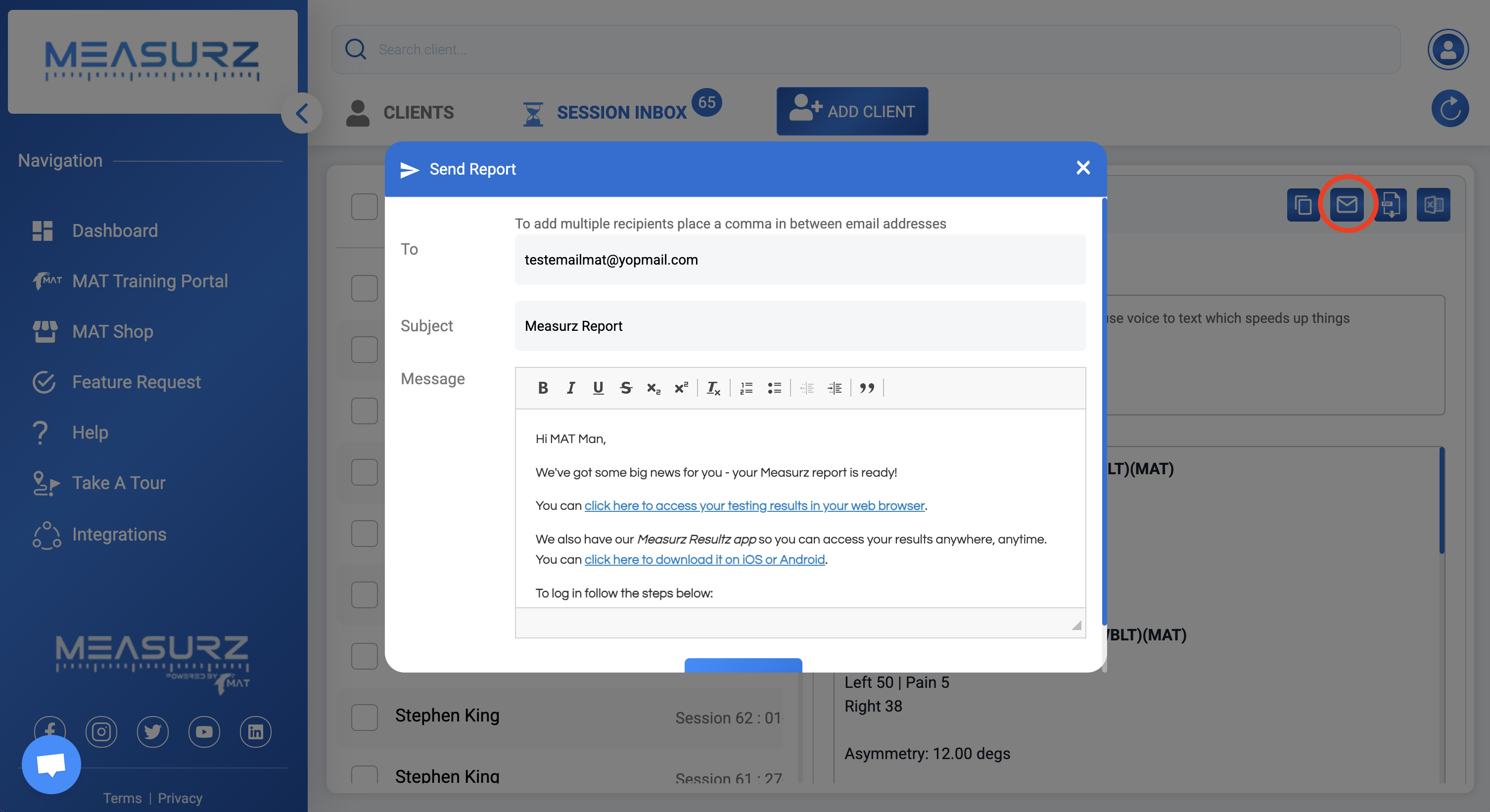
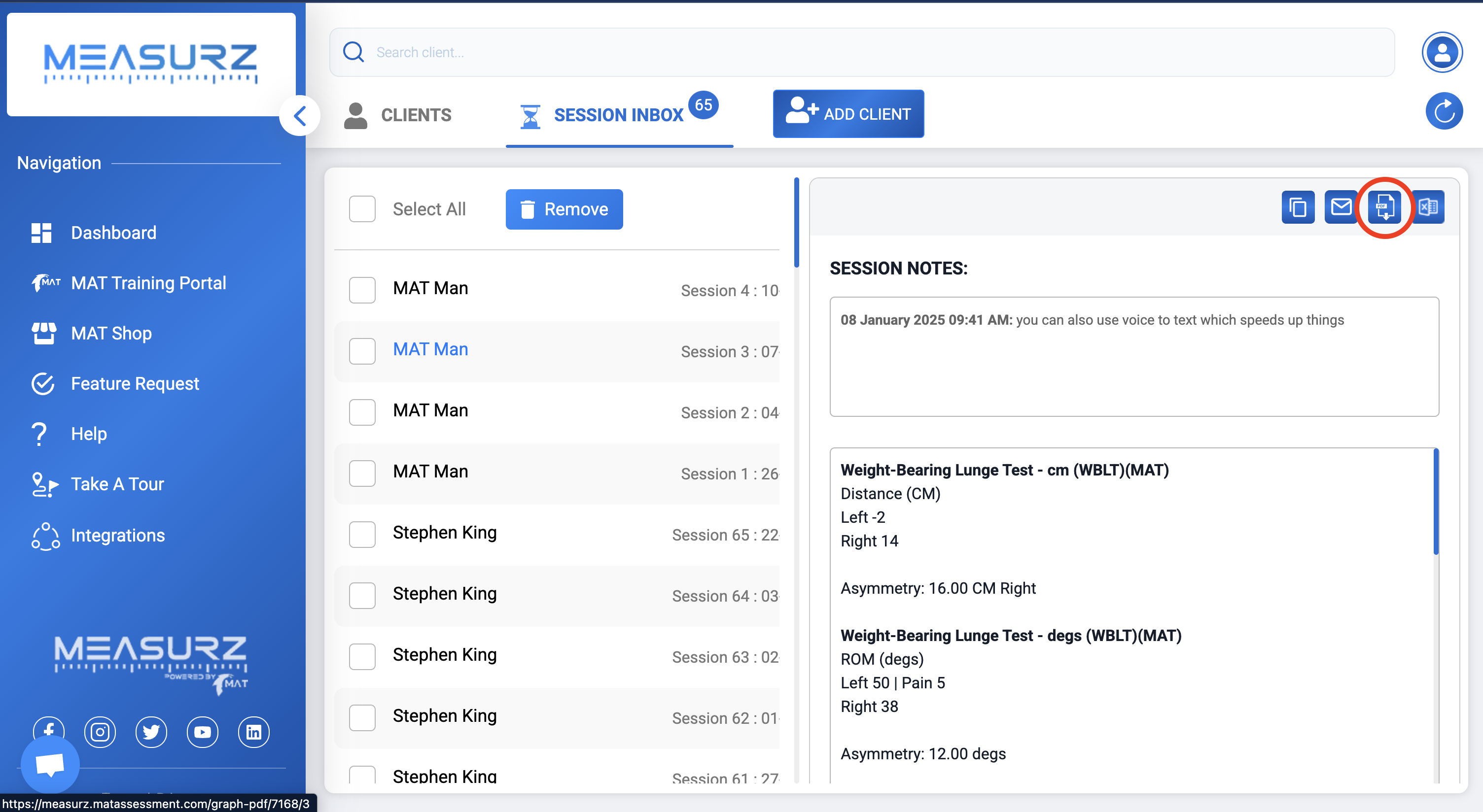
From Measurz Web Portal (download)
Press the PDF icon to download the PDF in any session